Below is a summary and a writeup on Linux programming interface by Michael KerrisK, which I’ll be using as a reference. I’m currently studying Android reverse engineering, and to understand sandboxing and permissions properly, I need a deeper grasp of Linux user management.
Users and groups
For each user there’s a unique login name and a numeric user identifier (UID). Users can belong to one or more groups. Each group also has a unique name and an identifier (GID). User and group IDs define ownership of various system resources and control the permissions granted to processes accessing those resources.
For example, each file belongs to a particular user and group, and each process has a number of user and group IDs that determine who owns the process and what permissions it has when accessing a file.
This sounds trivial but how does it translate in practice?
The Password File: /etc/passwd

The password file is located in /etc/passwd, and contains one line for each user account, each line is composed of seven fields separated by colons (:), as in the following example:
<login name>:<Password hash placeholder>:<UID>:<GID>:<Comment>:<HOME Directory>:<login shell>
Below are the fields explained:
- Login name : The unique name for the user, duh. Login name: Unique username for the account.
- Password hash placeholder: If shadow passwords are used, this is x (the actual hash is in /etc/shadow). Otherwise, it contains the hashed password. Special values like * or ! disable login.+ UID : Unique user ID, if it’s 0 then the user has super privilages.
- GID : The ID of the first of the groups of which this user is a member. Further group memberships for this user are defined in the system group file.
- HOME Directory : The directory where the user is placed once they log in, this becomes the value for $HOME.
- Login shell : The shell where the user is transferred to once they log in, this becomes the value for $SHELL.
The shadow File: /etc/shadow
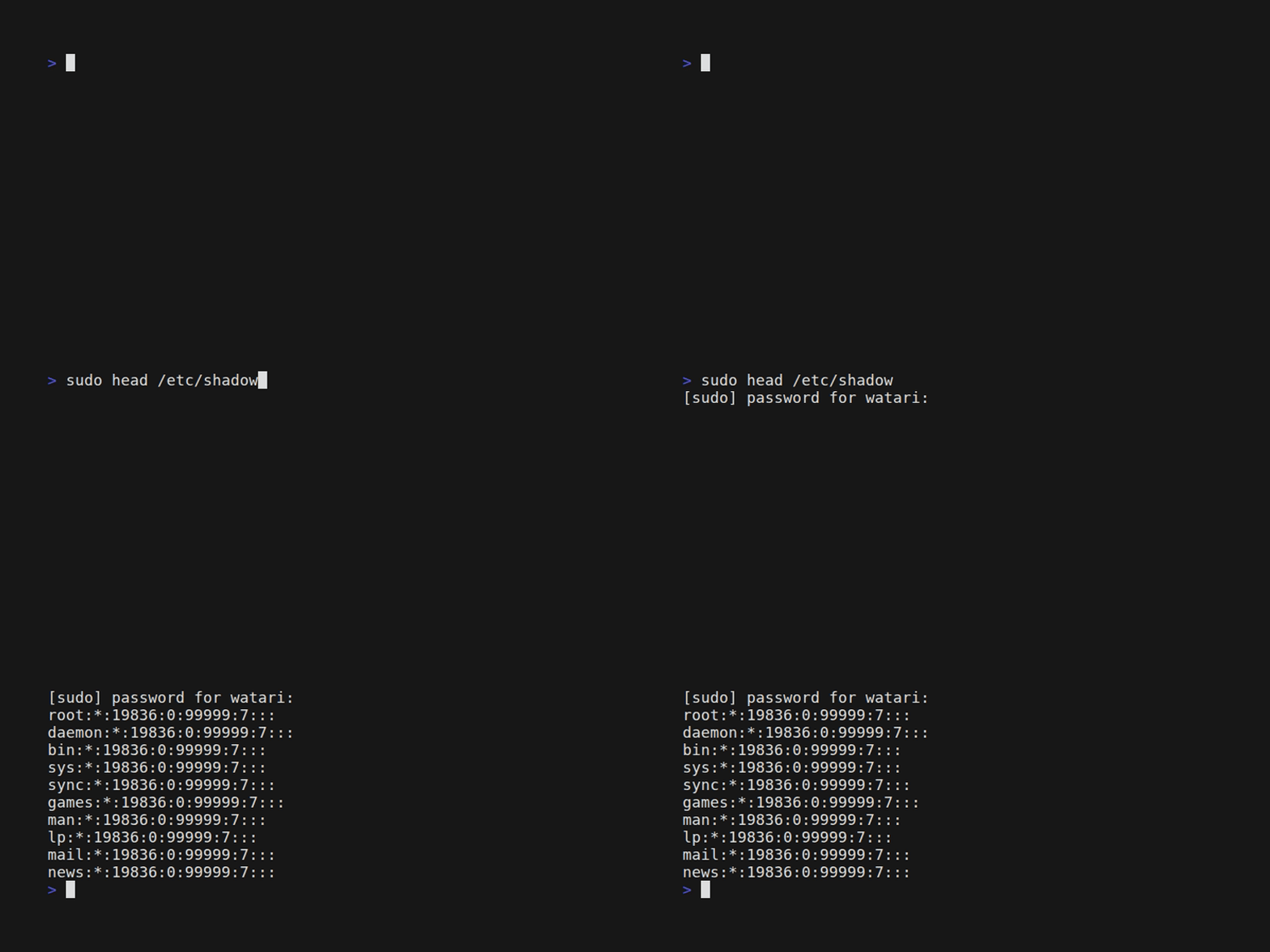
Historically, /etc/passwd contained all user account information, including password hashes. Because /etc/passwd is world-readable, this exposed password hashes to all users, making password cracking attempts feasible. To mitigate this, /etc/shadow was introduced to store password hashes securely, accessible only by the root user, while /etc/passwd retained only non-sensitive account information needed for system operations.
The groups File: /etc/group
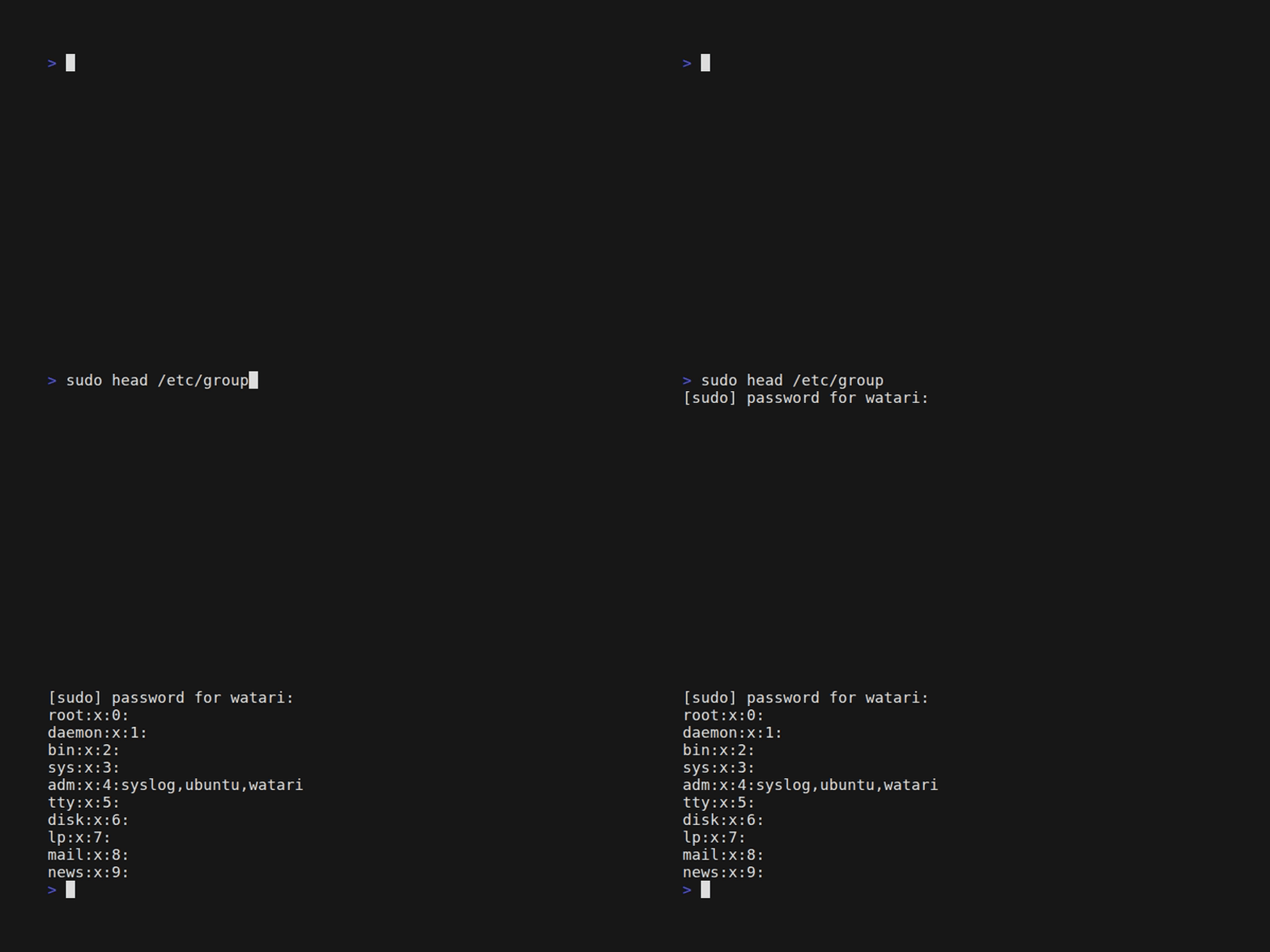
Groups are used to logically gather users that share similar administrative characteristics, for example privilages, access to files .. etc. The groups file is formatted as below:
<Group name>:<placeholder for the hash of optional password>:<GID>:<users list, separated by comma>
Retrieving User and Group Information
I installed a tarball of all the code examples of this book via the official link, and I managed to run the first example in users_groups/check_password.c, below are the general steps:
!! Install some important libraries

sudo apt update
sudo apt install build-essential libcap-dev libacl1-dev libselinux1-dev

!! Build the Core Library (libtlpi.a)

cd tlpi-book/lib
make

!! cd tlpi-book/users_groups
make check_password
which will generate the executable check_password, and we can run it to check if a user’s password is correct:
watari@vbox:~/.../tlpi-book/users_groups$ sudo ./check_password
Username: watari
Password:
Successfully authenticated: UID=1000
watari@vbox:~/.../tlpi-book/users_groups$
The reason we run this executable in sudo mode is because it checks the passwords in /etc/shadow which requires privilaged access.
Libraries and functions
Below is a list of important C libraries and functions for each one related to users and passwords management:
- pwd.h: For user’s password structure.
- struct passwd:
- pw_name : User’s login name.
- pw_uid : Numerical user ID.
- pw_gid : Numerical group ID.
- pw_dir : Initial working directory.
- pw_shell: Program to use as shell.
- Functions:
- endpwent : closes the user database
- getpwent : returns a pointer to a structure containing the broken-out fields of an entry in the user database. Each entry in the user database contains a passwd structure
- getpwnam : returns a pointer to a structure containing the broken-out fields of the record in the password database (e.g., the local password file /etc/passwd, NIS, and LDAP) that matches the username name.
- getpwnam_r : obtains the same information as getpwnam()
- getpwuid : return a pointer to a passwd structure, or NULL if the matching entry is not found or an error occurs.
- getpwuid_r: obtains the same information as getpwuid()
- setpwent: rewind the user database so that the next getpwent() call returns the first entry, allowing repeated searches.
- struct passwd:
- shadow.h : manipulates the contents of the shadow password file.
- struct spwd:
- sp_namp : user login name
- sp_pwdp : encrypted password
- sp_lstchg : last password change
- sp_min : days until change allowed.
- sp_max : days before change required
- sp_warn : days warning for expiration
- sp_inact : days before account inactive
- sp_expire : date when account expires
- sp_flag : reserved for future use
- Functions:
- getspent : returns a pointer to a struct spwd
- getspname : returns a pointer to a struct spwd
- fgetspent : returns a pointer to a struct spwd
- sgetspent : returns a pointer to a struct spwd
- fgetspent : returns the next entry from the given stream, which is assumed to be a file of the proper format.
- sgetspent returns a pointer to a struct spwd using the provided string as input.
- getspnam searches from the current position in the file for an entry matching name.
- struct spwd:
Encryption and User Authentication
UNIX systems encrypt passwords using a one-way encryption algorithm, which means that there is no method of re-creating the original password from its encrypted form. Therefore, the only way of validating a candidate password is to encrypt it using the same method and see if the encrypted result matches the value stored in /etc/shadow. The encryption algorithm is encapsulated in the crypt() function which is from the library unistd.h